

Buyer Account Creation
Creating your Skyfire and buyer account
Skyfire accounts are created by humans. Once you’ve signed up, you can deploy agents with buying and monetization capabilities through the Skyfire Dashboard.
Sign up and login are passwordless and handled via magic links — no passwords required.
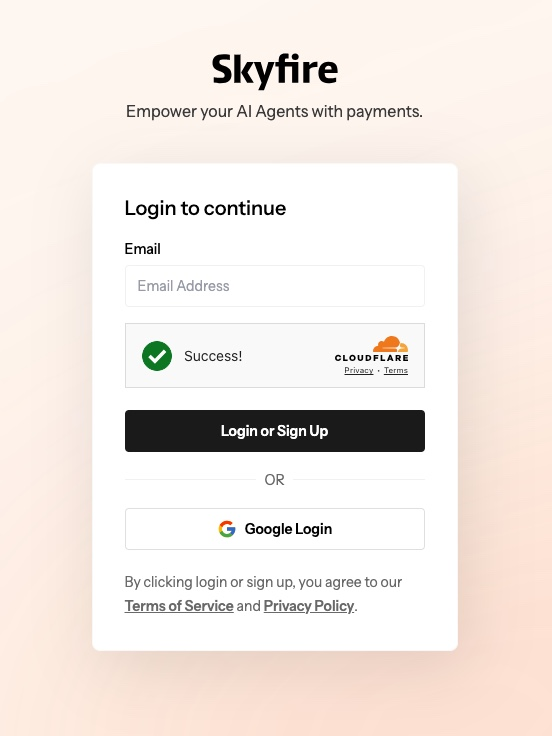
Get Started
1. Create or log in to your Skyfire account
Visit https://app.skyfire.xyz
2. Your Buyer Agent is created automatically
A buyer agent account is created for you upon signup.
3. Start using paid services immediately
Your buyer agent's wallet is pre-funded by Skyfire so you can begin accessing paid services immediately 🎉
Optional: Create a Seller Agent
If you want to publish and monetize your own services, you can create a seller agent from the Skyfire Dashboard.